
| 일 | 월 | 화 | 수 | 목 | 금 | 토 |
|---|---|---|---|---|---|---|
| 1 | 2 | 3 | 4 | 5 | 6 | |
| 7 | 8 | 9 | 10 | 11 | 12 | 13 |
| 14 | 15 | 16 | 17 | 18 | 19 | 20 |
| 21 | 22 | 23 | 24 | 25 | 26 | 27 |
| 28 | 29 | 30 | 31 |
- continous deployment
- Machine Learning
- n8n 비밀번호
- inductive
- 머신러닝
- 크롤링할때 중요한것
- Fourier
- 머신러닝 딥러닝
- python패키지설치
- n8n
- 푸리에 변환
- inductive learning
- n8n user table
- 크롤링 주의사항
- virtual env
- 푸리에변환이란
- rnn
- rnn구현
- dlib 설치
- transductive learning
- n8n계정
- transductive
- fourier transform
- inductive transductive
- 푸리에
- 기초머신러닝
- fourier 변환
- docker commands
- n8n password
- 피티이
- Today
- Total
우당탕탕 도비의 코딩로그
Github Readme 꾸미는 방법과 소스들 본문
1. Header 꾸미기
reference:
GitHub - kyechan99/capsule-render: Dynamic Coloful Image Render
:rainbow: Dynamic Coloful Image Render. Contribute to kyechan99/capsule-render development by creating an account on GitHub.
github.com
example)

code
<div align=center>
<img src="https://capsule-render.vercel.app/api?type=cylinder&color=auto&height=150§ion=header&text=Darnbi%20Github%20&render&fontSize=50" />
</div>
2. Badges 추가하기
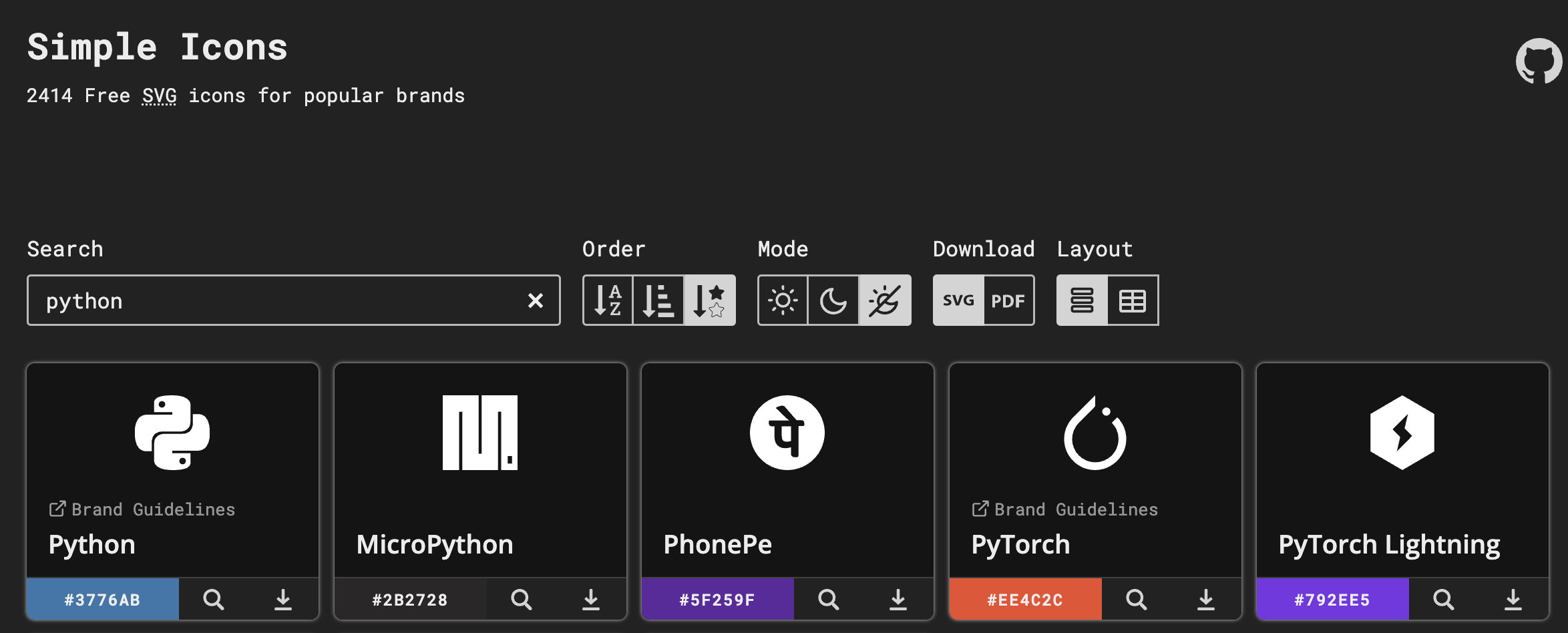
<img src="https://img.shields.io/badge/python-3776AB?style=flat&logo=Python&logoColor=white"/>아이콘 이름은 아래 링크 참조
Simple Icons
2414 Free SVG icons for popular brands
simpleicons.org
example) python은 배경색 3776AB 아이콘 이름 Python
3. Widget 추가하기
- GithubAccountName에 본인 깃헙 아이디 넣기
- theme은 reference 참고해서 언제든지 변경가능
 <img src="https://github-readme-stats.vercel.app/api/top-langs/?username=GithubAccountName&layout=compact&theme=gruvbox">
  <br>
 <img src="https://github-readme-stats.vercel.app/api?username=GithubAccountName&show_icons=true&theme=gruvbox">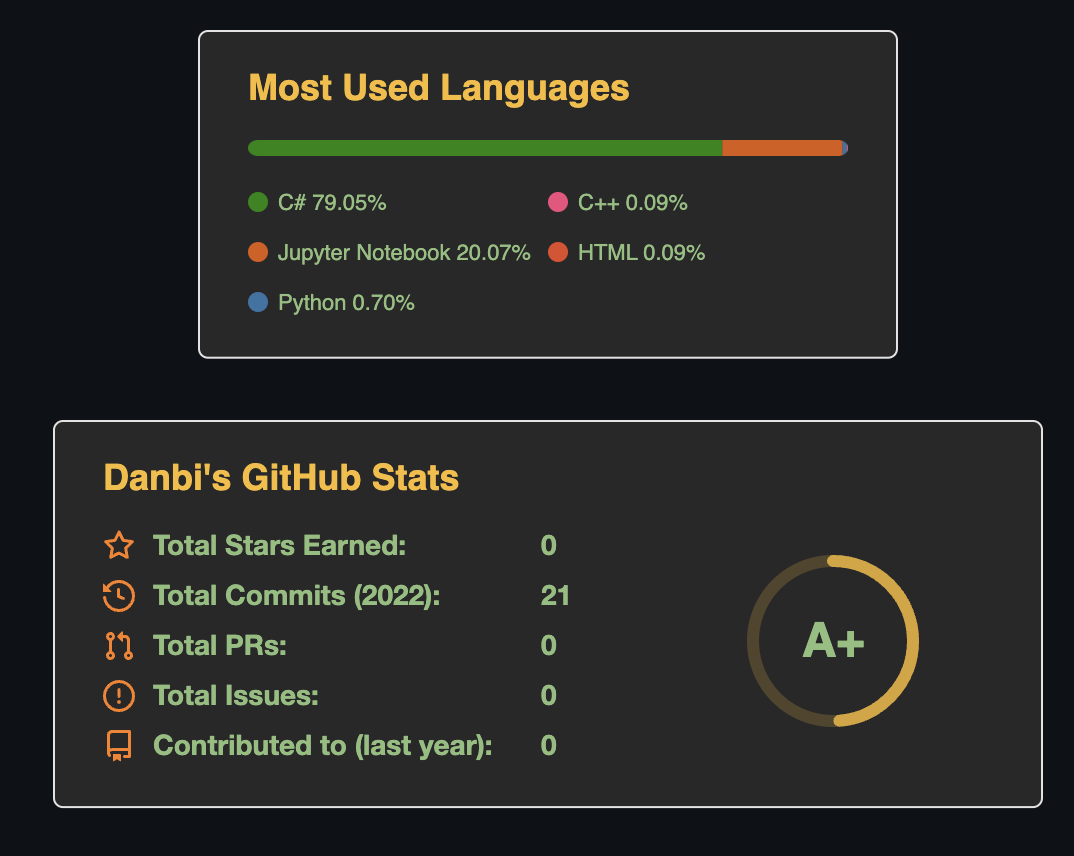
reference:
GitHub - anuraghazra/github-readme-stats: Dynamically generated stats for your github readmes
:zap: Dynamically generated stats for your github readmes - GitHub - anuraghazra/github-readme-stats: Dynamically generated stats for your github readmes
github.com